Back to All Apps
AI-Powered Application
AI Course Generator & Creator
Create comprehensive courses instantly with AI
Design and generate complete educational courses on any topic with AI-powered content creation.
App Screenshots
Key Features
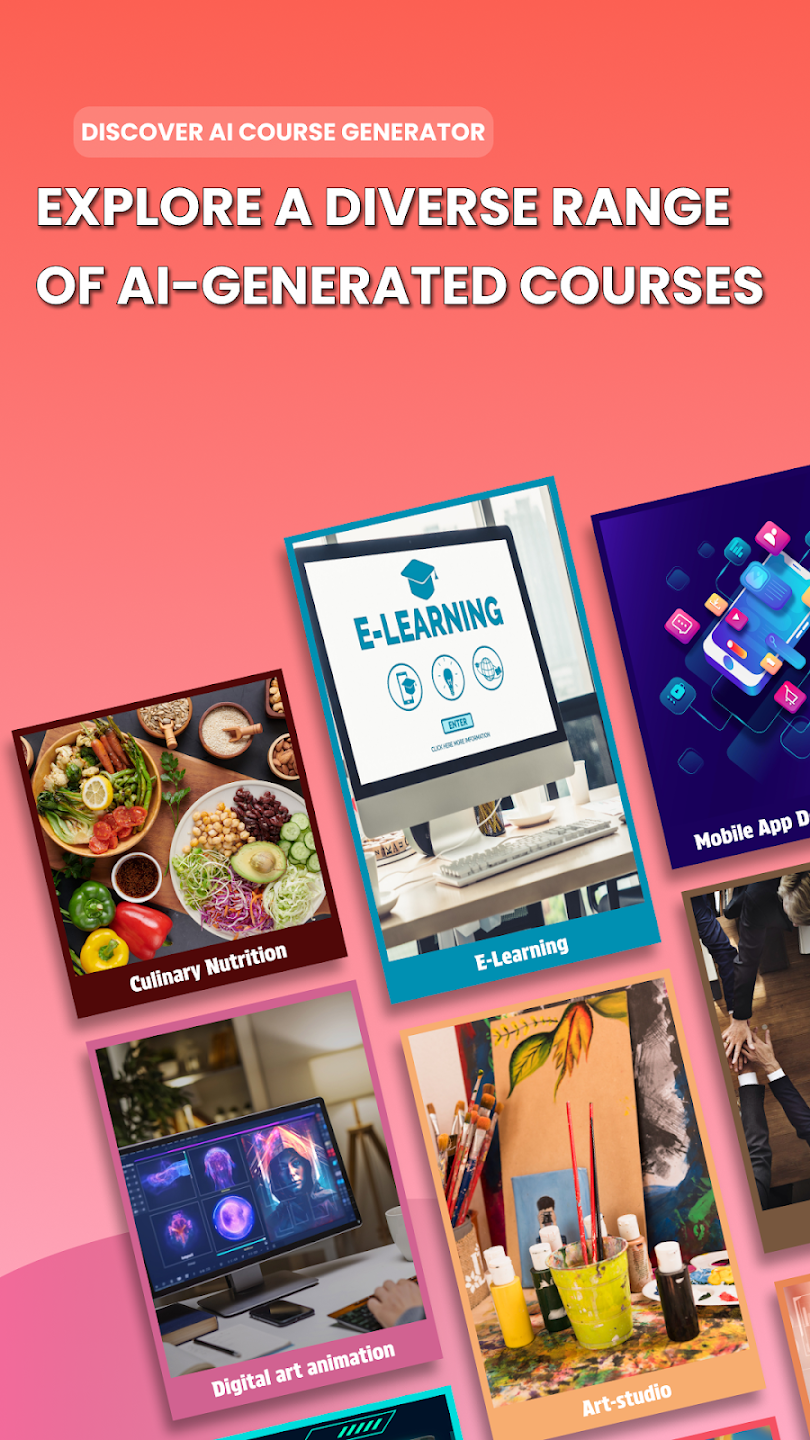
- 📖 **Generate Complete Courses on Any Topic** - Create full-length courses on any subject from business and technology to arts, sciences, health, personal development, and more. Our AI understands diverse topics and structures content pedagogically.
- 🎯 **Structured Learning Modules** - Automatically organize course content into logical modules, lessons, and sections that follow educational best practices and learning progression.
- 📝 **Comprehensive Course Content** - Generate course descriptions, learning objectives, detailed lesson content, assignments, quizzes, and assessment materials all powered by AI.
- ♻️ **Reload and Regenerate Sections** - Not happy with a particular module or lesson? Easily regenerate individual sections while keeping the rest of your course intact.
- 🎓 **Multiple Course Formats** - Create courses in various formats including video scripts, text-based lessons, interactive modules, workshop materials, and more.
- 👥 **Audience Customization** - Tailor course content for different audiences - beginners, intermediate learners, advanced students, or professional development.
- ⏱️ **Flexible Course Duration** - Generate courses of varying lengths from quick workshops (1-2 hours) to comprehensive programs (40+ hours).
- 📊 **Learning Objectives & Outcomes** - AI automatically creates SMART learning objectives and measurable outcomes for each course and module.
- ✅ **Assessments & Quizzes** - Generate quiz questions, assignments, projects, and assessment rubrics aligned with course content.
- 🎨 **Engaging Content** - Create content that includes real-world examples, case studies, practical exercises, and interactive elements.
- 📚 **Resource Recommendations** - Get AI-suggested readings, videos, tools, and supplementary materials to enhance learning.
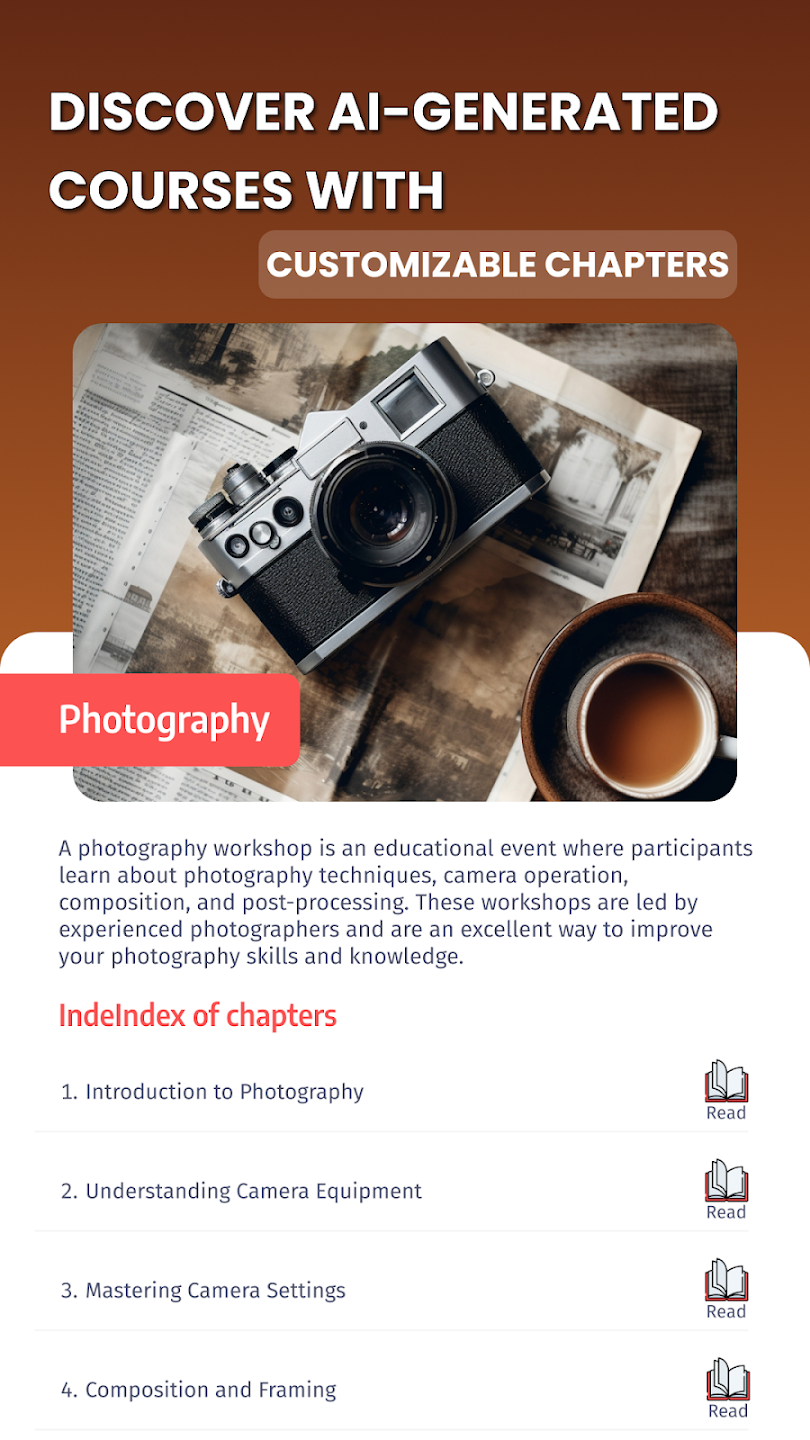
- 🔄 **Course Outline Preview** - See a complete course structure before generating full content, allowing you to make adjustments.
- 💾 **Save and Export** - Save your courses in various formats and export as PDF, Word documents, or structured outlines.
- 🌐 **Multi-Language Support** - Create courses in multiple languages to reach global audiences.
- 🎬 **Video Script Generation** - For video-based courses, generate complete scripts with timing suggestions and visual cues.
🤖🤔 Who Will Benefit from AI Course Writer 🤔🎓
**Educators and Teachers** - Create structured curriculum, lesson plans, and complete courses faster while maintaining high educational standards.
**Corporate Trainers** - Develop employee training programs, onboarding courses, and professional development workshops efficiently.
**Subject Matter Experts** - Transform your expertise into comprehensive courses without needing instructional design experience.
**Online Course Creators** - Launch courses on platforms like Udemy, Coursera, Teachable faster by automating content creation.
**Educational Institutions** - Scale course development and quickly create courses for new programs or update existing curricula.
**Entrepreneurs** - Build educational products and knowledge-based businesses with minimal time investment.
**Consultants and Coaches** - Package your knowledge into structured courses for clients and students.
**Content Creators** - Develop educational content series for YouTube, blogs, or membership sites.
**HR Professionals** - Create internal training materials, compliance courses, and skill development programs.
**Nonprofit Organizations** - Develop community education programs and awareness courses efficiently.
**Authors and Speakers** - Convert your books, talks, or expertise into interactive course formats.
🤔 🌟 Benefits of Choosing an AI-Powered Course Creation Tool 🤔 🌟
- **90% Faster Course Creation** - Build courses in hours or days instead of weeks or months.
- **Professional Quality** - All content follows instructional design principles and learning science best practices.
- **Consistency** - Maintain consistent quality, tone, and structure throughout your entire course.
- **Overcome Creator's Block** - Never stare at a blank page wondering what content to create next.
- **Cost-Effective** - No need to hire expensive instructional designers or course development teams.
- **Scalable** - Create multiple courses quickly to build comprehensive course catalogs.
- **Always Current** - Easily update and refresh course content as topics evolve.
- **Focus on Teaching** - Spend more time on delivery and student interaction, less on content creation.
- **Beginner-Friendly** - No instructional design background required to create professional courses.
- **Comprehensive Coverage** - AI ensures all essential topics and subtopics are covered thoroughly.
?🌟 🎓 How to Utilize AI Course Maker and Creator 📱📄
- 1**Define Your Course Topic** - Enter the subject or topic you want to create a course about (e.g., 'Digital Marketing for Beginners', 'Python Programming', 'Project Management').
- 2**Specify Target Audience** - Identify who the course is for - beginners, intermediate learners, professionals, students, etc.
- 3**Set Course Parameters** - Choose course duration, format (video-based, text-based, hybrid), and depth of coverage.
- 4**Define Learning Objectives** - Input or let AI generate the key learning outcomes you want students to achieve.
- 5**Generate Course Outline** - Review the AI-created course structure with modules, lessons, and topics.
- 6**Customize and Refine** - Adjust the outline, add specific topics, or remove sections as needed.
- 7**Generate Full Content** - Let AI create detailed content for each lesson including explanations, examples, and activities.
- 8**Add Assessments** - Generate quizzes, assignments, and projects for each module.
- 9**Review and Edit** - Go through the generated content, adding your personal insights, stories, and expertise.
- 10**Export and Publish** - Download your course materials and upload to your learning platform or use for in-person teaching.
- 11**Update as Needed** - Easily regenerate sections when you need to update or expand your course content.
Ready to Get Started?
Download AI Course Generator & Creator today and experience the power of AI.